
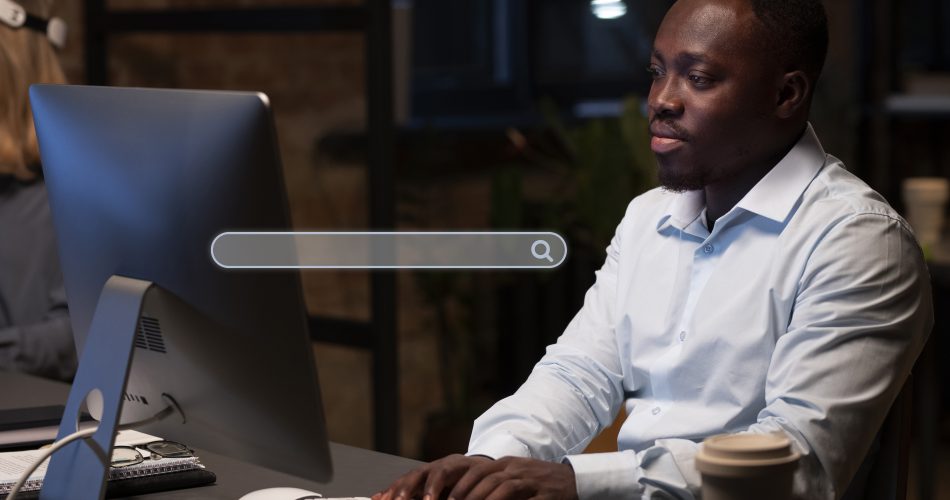
The internet has made it easier than ever to find information, shop online, and connect with businesses. Unfortunately, it has also made it easier to know websites that are not legit and online scams to thrive. From fraudulent online stores to phishing websites designed to steal personal information, fake websites are becoming more sophisticated every year.
At Kwikaweb, we regularly speak with users who ask the same question: “How do I know if this website is legit?” Learning how to spot fake websites is an essential digital skill, especially for business owners, online shoppers, and anyone sharing information online.
This guide explains how to check if a website is legit or fake. Using simple but effective checks, you can apply them before trusting any site.
Why Fake Websites Are So Common
Fake websites exist because they work. Scammers rely on urgency, imitation, and lack of awareness to trick users into sharing sensitive information or making payments.
Many fake websites are designed to look professional at first glance, copying the branding, layout, or language of legitimate businesses. This is why taking a closer look before interacting with a website is so important.
How to Check If a Website Is Legit or Fake
1. Check the Website URL Carefully
One of the easiest ways to identify a fake website is by examining the URL. For example, a fake site may closely resemble a real brand’s URL but include a small variation that’s easy to miss. Look for:
- misspellings in the domain name
- extra characters or numbers
- unusual domain extensions
2. Look for HTTPS and Security Indicators
Legitimate websites should use HTTPS, indicated by a padlock icon in the browser bar. HTTPS means data is encrypted between your browser and the website.
While HTTPS alone does not guarantee legitimacy, a lack of it is a major red flag, especially for sites requesting personal or payment information.
3. Review the Website’s Content Quality
Poor grammar, spelling errors, and awkward phrasing are common signs of fake websites. Legitimate businesses usually invest in professional content that clearly explains their services, policies, and contact details.
Also check for:
- vague descriptions
- copied content
- missing pages (About, Contact, Privacy Policy)
4. Verify Contact Information and Online Presence
A legitimate website should provide clear ways to contact the business. You can also search the business name online. Legitimate businesses usually have social media profiles, reviews, or mentions elsewhere on the internet. Look for:
- a physical address
- phone number
- professional email address
5. Be Cautious of Unrealistic Offers
If an offer seems too good to be true, it usually is. Fake websites often use extremely low prices, urgent countdowns, or pressure tactics to rush users into making decisions. Take a moment to pause and evaluate before proceeding.
Learning how to check if a website is legit or fake can protect you from scams, financial loss, and data theft. By paying attention to URLs, security indicators, content quality, and contact information, you can make safer decisions online.
At Kwikaweb, we believe digital awareness is just as important as digital access. A few careful checks can save you from serious problems.